01 / FINDER QUICK LOOK
A preview, one key away.
Select a Markdown file in Finder and press Space. The Quick Look extension presents the document without opening a separate window.
Set up Quick Look ↗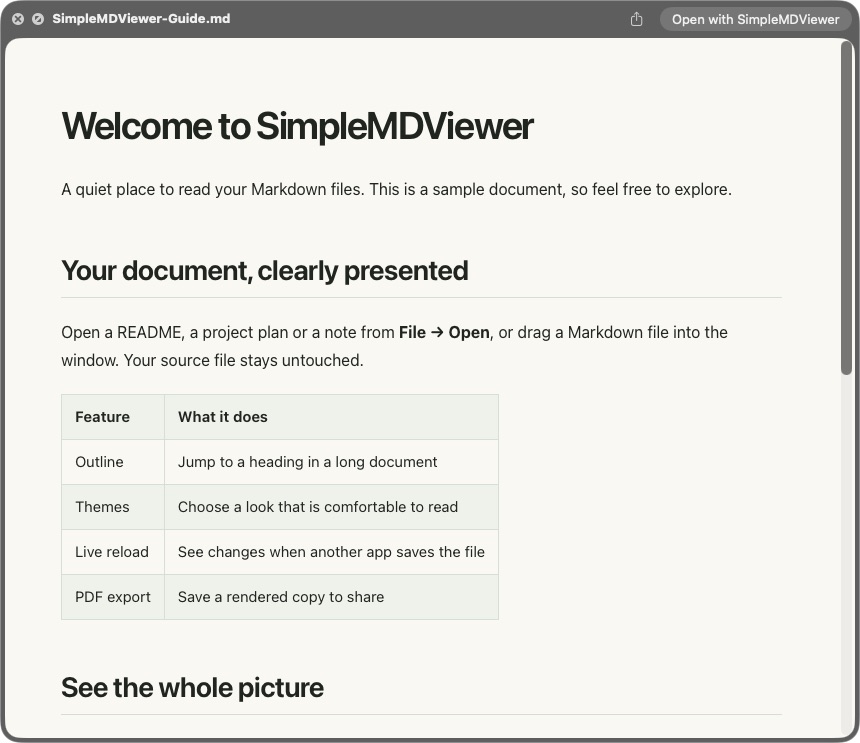
 SimpleMD ViewerBuy · $19.99
A thoughtful space for the Markdown files you already have, with the details you need and room to focus.
Select a Markdown file in Finder and press Space. The Quick Look extension presents the document without opening a separate window.
Set up Quick Look ↗Read Mermaid diagrams alongside the words around them. Language-labelled code blocks get syntax highlighting when the language is supported.
Explore the reading guide ↗Jump between headings with the outline, search within a document, choose a theme and adjust the zoom from 50% to 300%.
See how to open a file ↗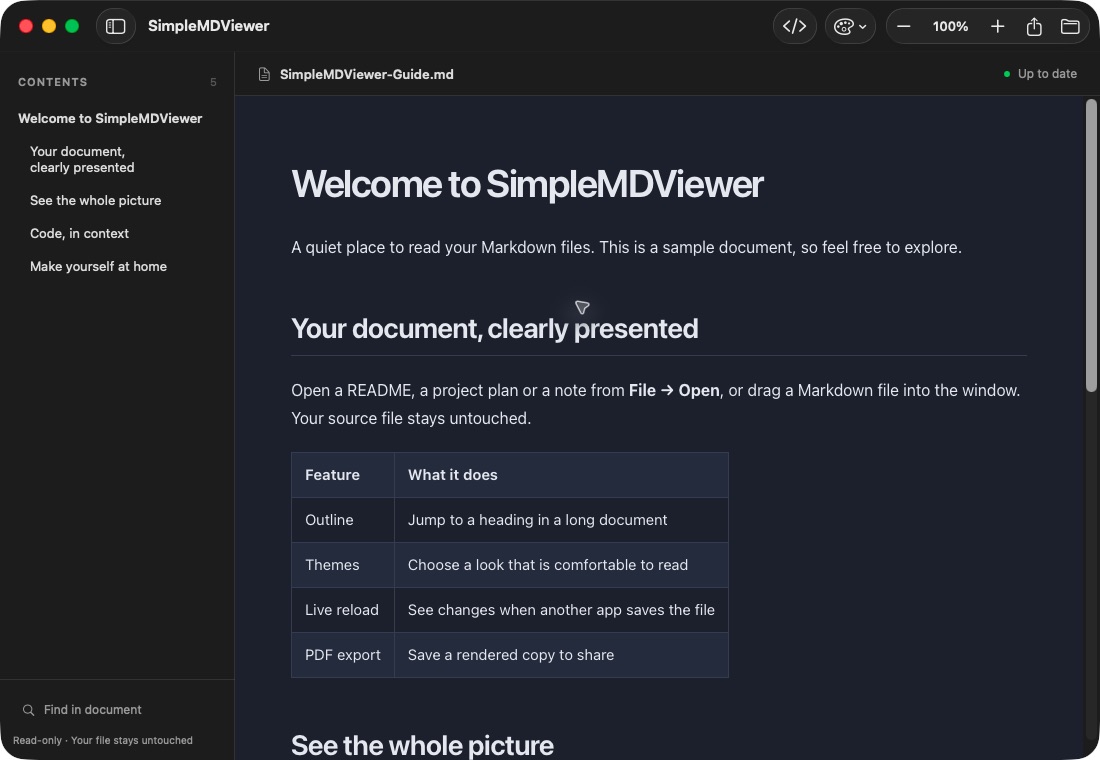
Keep your document open while you edit elsewhere. The view reloads when the file changes, and you can export a rendered copy to PDF.
Find your workflow ↗